
Workflow Hub is HandyComfy’s in-app catalog of curated ComfyUI workflows. The catalog is operated by HandyComfy, and its workflows are prepared for use in the app.
Hub workflows already have their HandyComfy Feature classification and node-role configuration set up. You can install one without configuring those items yourself.
Open Workflow Hub
Open Workflow Management from either location:
- Settings → Workflow Management
- Workflow tab → left hamburger menu → Workflow Management icon
Select the add button, then choose Workflow Hub.
Browse and install
- Browse the catalog or search for a workflow.
- Narrow the catalog by Feature or Diffusion model.
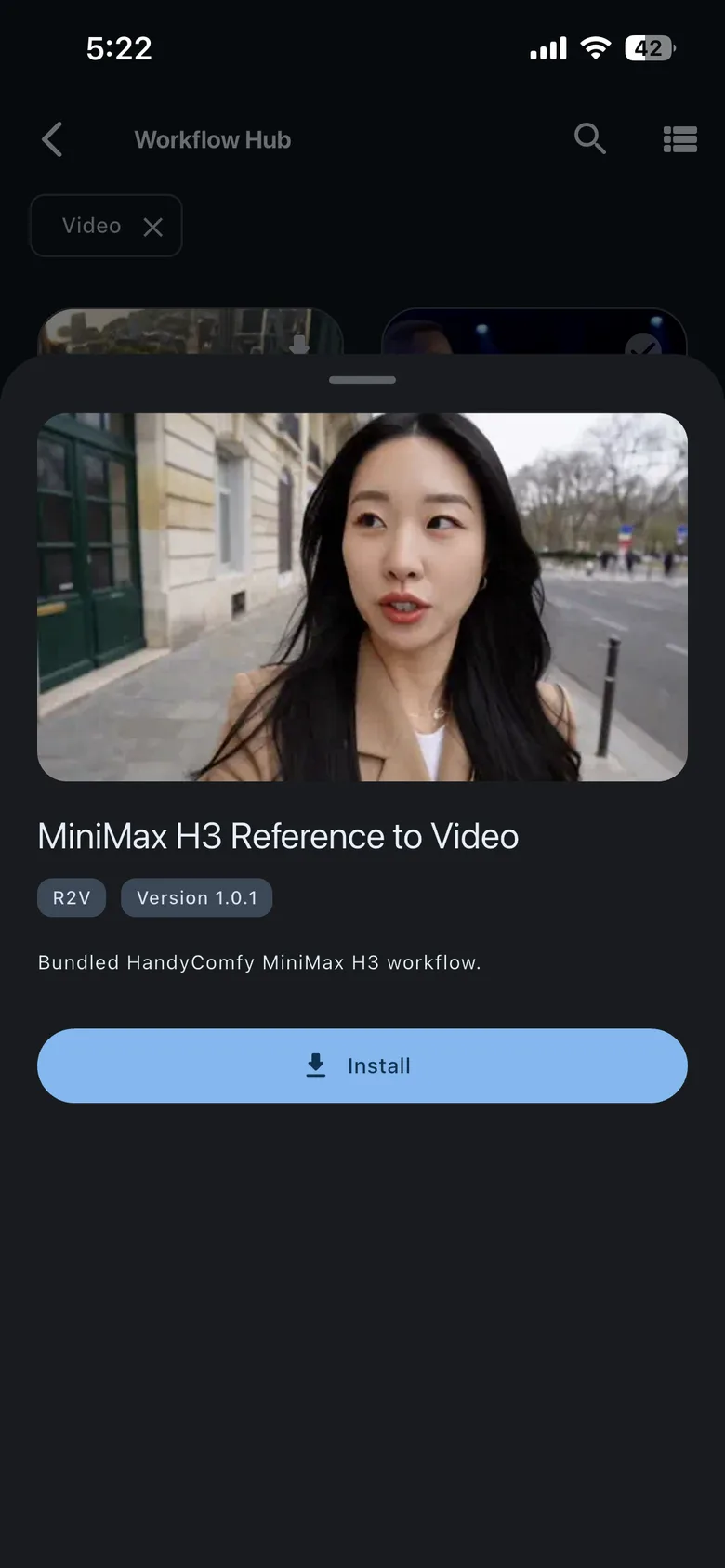
- Select a workflow’s download action to install it directly, or open its details to review it first and download from there.
Workflow Hub · catalog

Workflow Hub · details
Choose models on your ComfyUI server
After installation, select the models required by the workflow from those available on your connected ComfyUI server. Workflow Hub provides the prepared workflow configuration; it does not install model files into ComfyUI.
For more information about the other ways to add workflows, see Import a workflow and Select workflow models.